


Quick take
Best For:
LK Locksmith AR Appliance Repair FC On-Demand Field Work
Best for locksmiths, appliance repair companies, and on-demand field crews who need jobs booked and answered from the field.
Less ideal for:
Less ideal for: teams that need published pricing before booking a demo — Workiz pricing is quote-only.

Logos are trademarks of their respective owners; TradeProStack is not affiliated with or endorsed by these vendors.
Pricing and features verified: October 4, 2026. This Workiz review examines the field service platform that locksmiths, appliance repair companies, and mobile field crews reach for when the generic incumbents feel built for someone else. Workiz sells Standard, Pro, and Ultimate tiers; its Genius add-ons — Phone, Answering, and Marketing — are sold separately; and neither the tier prices nor the add-on prices are published on its official page. It placed third in our best dispatch software for HVAC roundup on the strength of those AI answering options. Here is the full picture, including an honest “pricing: not published — quote/demo required” where Workiz leaves the number blank.
Workiz at a glance
| Item | Detail |
|---|---|
| Best for | Locksmiths, appliance & field crews |
| Starting price | Not published — quote/demo required |
| Free trial | 7-day free trial |
| Tiers | Standard / Pro / Ultimate (automations 5/10/30 by tier) |
| AI features | Genius add-ons: Phone, Answering, Marketing (sold separately) |
Pros and cons
Pros: ✓ Built for locksmiths, appliance, and mobile field crews; ✓ Genius scheduling and answering add-ons; ✓ Automations scale 5/10/30 by tier; ✓ 7-day free trial.
Cons: ✕ Pricing not published — quote/demo required; ✕ Genius add-ons sold separately (prices not published); ✕ Shorter 7-day trial than the 14 days rivals offer.
Built for mobile field crews
Workiz’s positioning is crews who live out of vans, not offices: locksmiths who take jobs by phone and proximity, appliance techs running parts-and-labor calls all day, and field teams whose dispatcher is effectively the phone system. That shows up in how the tiers scale automations — 5 on Standard, 10 on Pro, 30 on Ultimate — because automated confirmations, reminders, and follow-ups are what keep a one-dispatcher operation from drowning. The trade framing matters: if your business dispatches like a call center with wheels, Workiz’s emphasis will feel native in a way office-first platforms sometimes do not.

Genius add-ons: Phone, Answering, Marketing
The Genius line is the reason Workiz made this roundup at all. Genius scheduling and answering add-ons — Phone, Answering, and Marketing — are sold separately from the Standard, Pro, and Ultimate tiers. In our dispatch roundup we ranked this third overall because the add-on model lets a small crew buy answering capacity for the busy season without re-platforming. The cost of that flexibility is visibility: Genius prices are not published, so the fully-loaded Workiz — platform plus Phone plus Answering — is a number you only learn in a demo. Compare that with Jobber’s published Receptionist add-on at $29/mo in our Jobber review, and decide which buying style your business tolerates better.
Automations and tiers
Automations run 5/10/30 across Standard, Pro, and Ultimate, which is the clearest published signal of how Workiz expects you to grow: more automations, more touchpoints handled without office labor. For a locksmith or appliance shop, those automations are the business — booking confirmations, on-my-way texts, review requests, and payment reminders are exactly the tasks that get dropped on a two-person day. Tier prices, however, are not published on the official page, so any budget beyond “quote required” has to come out of the demo process.
Pricing: not published, on purpose
Pricing: not published — quote/demo required. Workiz does not put Standard, Pro, or Ultimate prices on its official page, and the Genius add-ons are likewise unpriced in public. We will not estimate them, and third-party “starting at” numbers should be treated as unverified. What is public is the 7-day free trial — shorter than the 14-day trials from Jobber and Housecall Pro, so plan the evaluation week deliberately: import your real jobs, test dispatch for your busiest day, and make the Genius Answering add-on prove itself before the quote conversation.
Who Workiz is for — and who should skip it
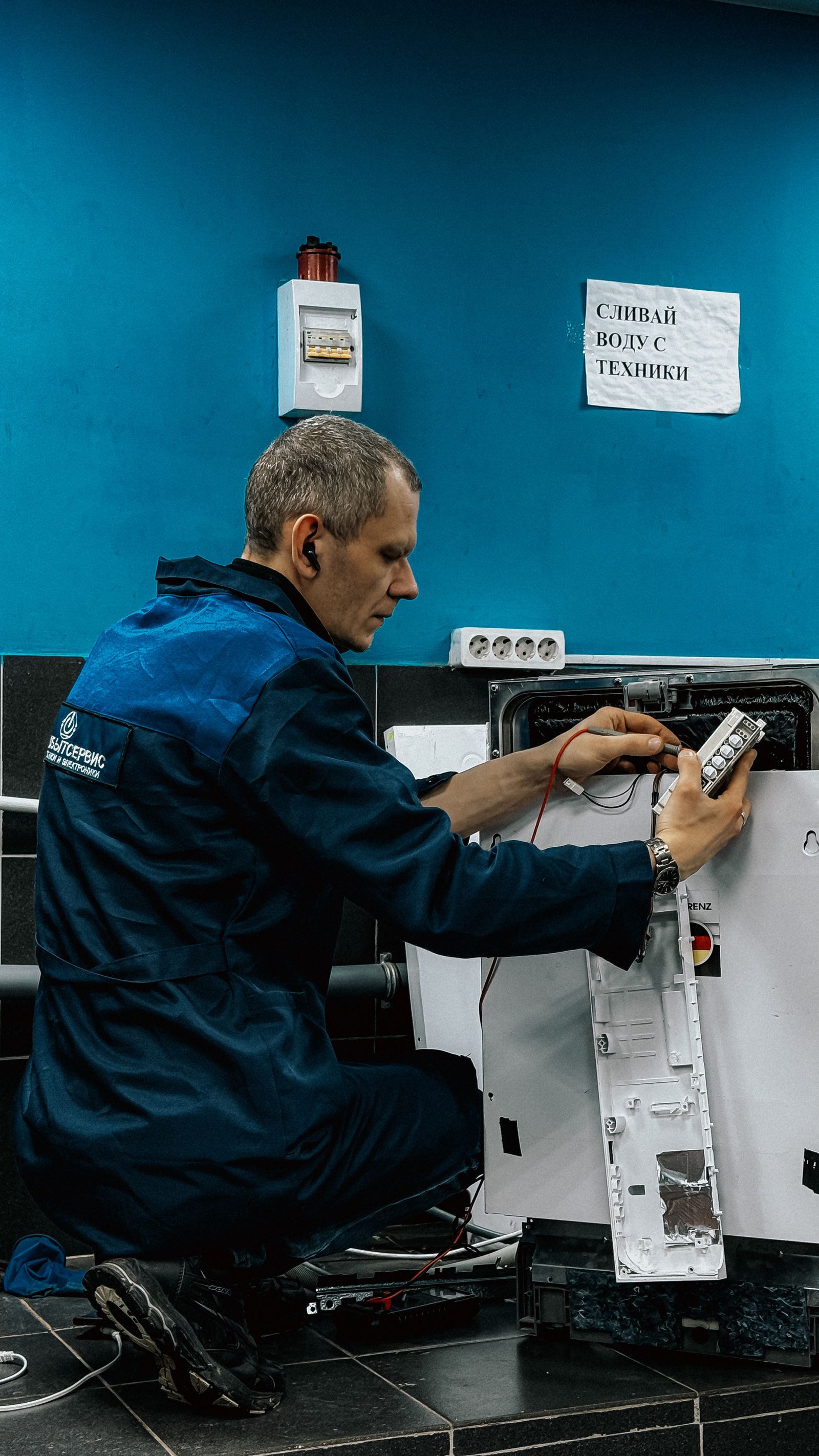
Choose Workiz if you run a locksmith, appliance, or mobile field crew and the Genius answering/scheduling add-ons match how your phones actually ring. Crews that miss calls during jobs — which is to say, most small field crews — get the clearest value. Skip Workiz if published pricing is how you buy software: Jobber publishes its whole list, and even Housecall Pro manages a “from $59/mo.” Workiz gives you a trial and a quote, and for some buyers that is reason enough to look elsewhere first.
Limitations worth naming
Beyond the missing price list, name the evaluation risk: seven days is not long to migrate a live dispatch board, learn a new phone workflow, and judge whether Genius Answering actually captures jobs you used to miss. Go in with a checklist — after-hours calls captured, jobs booked without office help, reminders sent, invoices closed — and score the trial against it daily. Also confirm exactly which automations your quoted tier includes, because the 5/10/30 ladder means the cheapest tier may not carry the follow-up sequences that made the demo look effortless.
How we scored Workiz
Our rubric (see How We Compare) weights verified pricing, dispatch fit, and AI capability. Workiz gains on trade fit and the Genius add-on model, and loses on unpublished pricing and a short 7-day trial. That nets to 8.1/10: a genuinely differentiated platform priced like a sales conversation. It sits between Housecall Pro (8.4) and ServiceTitan (8.0) in our Reviews rankings, close enough that trade fit, not score, should decide.
Our verdict
Workiz earns 8.1/10 because it is unapologetically built for locksmiths, appliance companies, and field crews — and because the Genius add-ons let a small operation buy phone answering and scheduling intelligence the way it buys parts: as needed. The 5/10/30 automation ladder across Standard, Pro, and Ultimate gives growing crews a legible upgrade path.
The asterisk is pricing. Nothing is published — not the tiers, not the Genius add-ons — so the buying process is a demo and a quote, with only a 7-day trial to validate fit first. If your crew’s missed calls cost more than the opacity does, Workiz belongs on your shortlist; if you want to model software cost from a web page, start with Jobber and come back to Workiz with a sharper quote request.
Workiz FAQ
How much does Workiz cost?
Pricing is not published — quote/demo required. Standard, Pro, and Ultimate tier prices, and Genius add-on prices, are not listed on the official page, and we do not estimate them.
Is there a Workiz free trial?
Yes — a 7-day free trial. That is shorter than the 14-day trials from Jobber and Housecall Pro, so test with real jobs from day one.
What are Workiz Genius add-ons?
Genius Phone, Genius Answering, and Genius Marketing — scheduling and answering add-ons sold separately from the main tiers, at unpublished prices.
Who is Workiz best for?
Locksmiths, appliance repair companies, and mobile field crews — especially small teams that miss calls while on jobs and want answering built in.
How many automations does Workiz include?
Automations scale by tier: 5 on Standard, 10 on Pro, and 30 on Ultimate.
How does Workiz compare to Jobber?
Jobber publishes full pricing and its AI receptionist price; Workiz answers with trade-specific fit and Genius add-ons but publishes no prices. We score Jobber 8.7 and Workiz 8.1.
TradeProStack is reader-supported. We may earn a commission when you buy through links on this page — it never changes our scores. See our Affiliate Disclosure and How We Compare pages.